Recently we have added the Windows 8, 8.1 and 10 OS icon and Microsoft's Edge browser icon.
In this article we will have the icon upgrade guide.
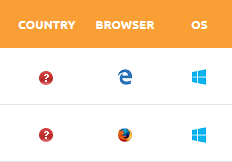 The new Icons listed in User and Admin Logins
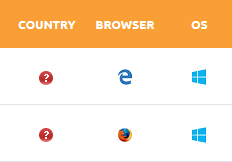 The new Icons listed in User and Admin Logins
- Make sure your project is running on version 1.5.0 or newer
- Download the patch
- Extract the archive in a folder, let's name it icons_patch
- We recommend creating a backup of your project before you continue
- Now copy all the files in the icons_patch folder in your DotKernel
- You will be prompted to replace 2 files, simply replace the files and agree to merge the folders content (files will be added, not replaced this time)
- You need to clear the cache for changes to take effect, the os and browser xml's are cached. For more information read this article (look for Browser & OS)
- You can now delete the icons_patch folder or use it to patch another project
M /configs/useragent/browser.xml
M /configs/useragent/os.xml
A /images/browsers/edge.png
A /images/os/windows_metro.png
M stands for modify A stands for add