In Aptana it's very simple to set the svn:keywords property for a file.
For example if you want to set the svn keyword property Id:
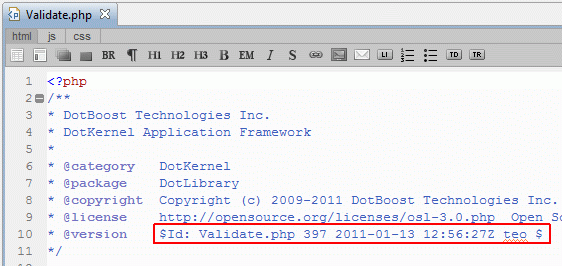
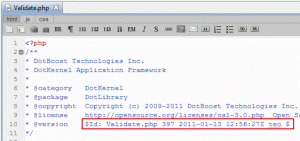
 When you make the SVN commit of the file, the $Id$ keyword will be replaced with text in the format shown below:
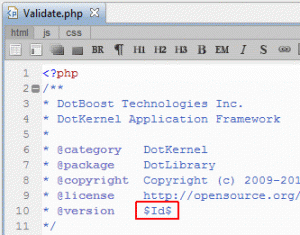
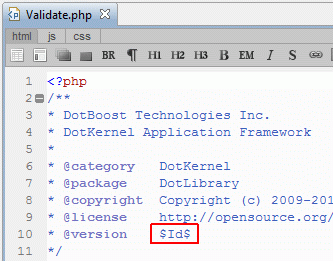
- In the file where you want to add the svn keyword property write $Id$
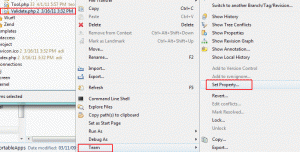
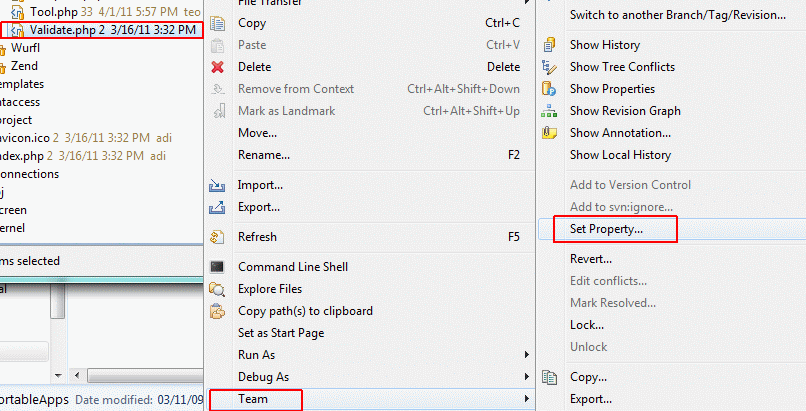
- Right click on the file, then follow Team -> Set Property... Note*: Set Property... will not be active if you haven't first added the file to SVN: Team->Add to Version Controller
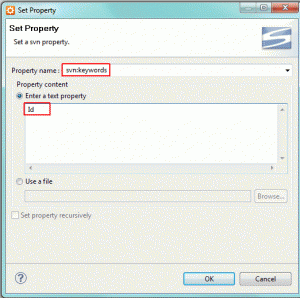
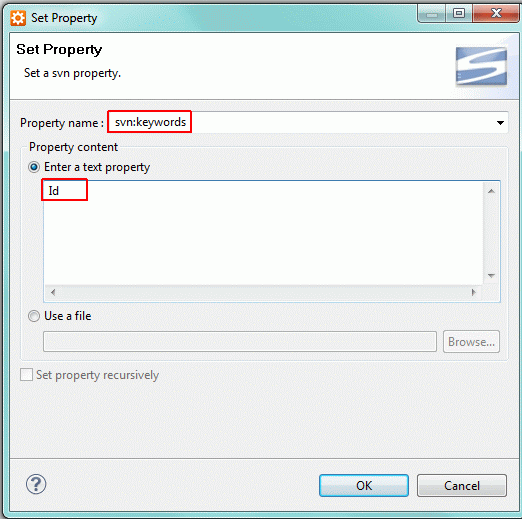
- Select svn:keywords, and write Id in the text field
 When you make the SVN commit of the file, the $Id$ keyword will be replaced with text in the format shown below: